In the palm of my hand, I can now immerse myself in the world of my favorite albums.
In my previous blog posts, I wrote about Album Sweet's new feature "Drift" — time to savor albums the joy of arranging albums — your record shelf
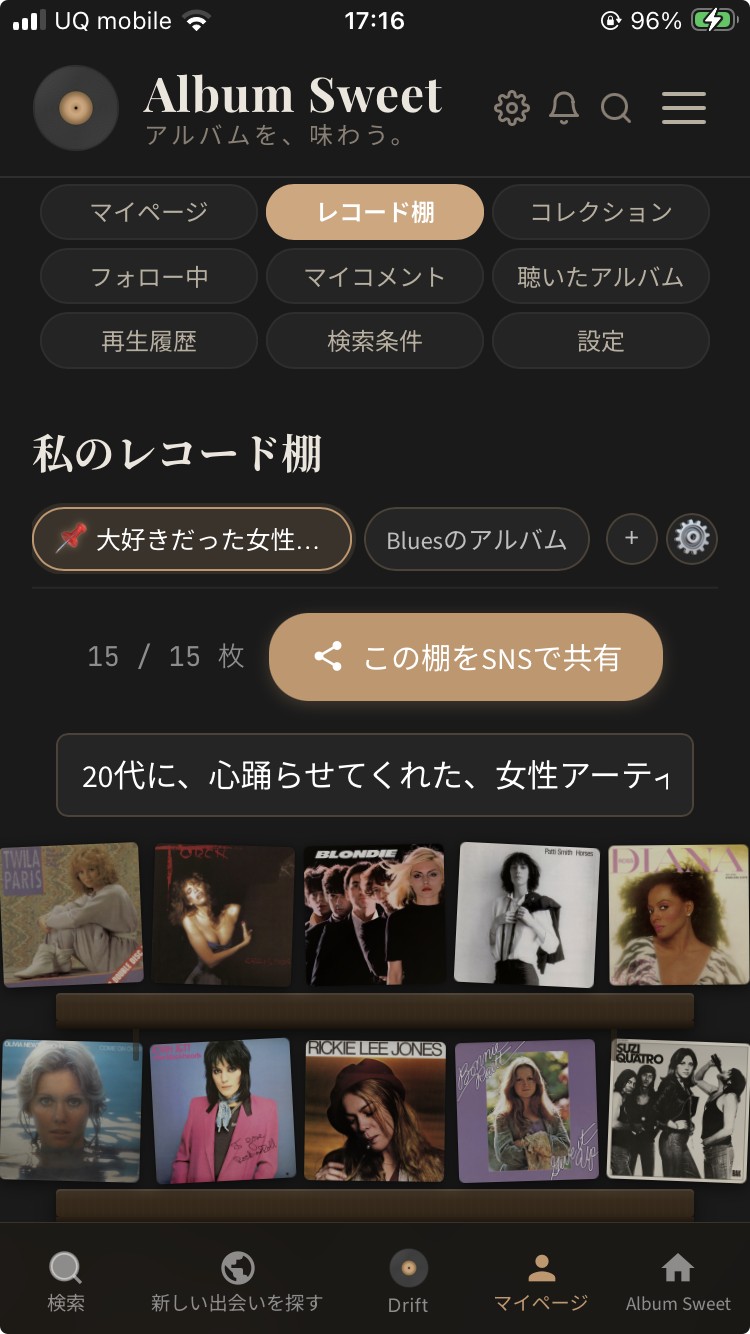
And about being able to create up to 5 record shelves: When I created 3 shelves on Album Sweet, I could see my 20s self in 3D.
Organizing the albums I've treasured in the form of shelves. Gazing at them. Just that alone brings back forgotten memories in vivid detail.
This time, I want to talk about how those shelves have taken one step closer to my personal world.
There's a feature called Drift.
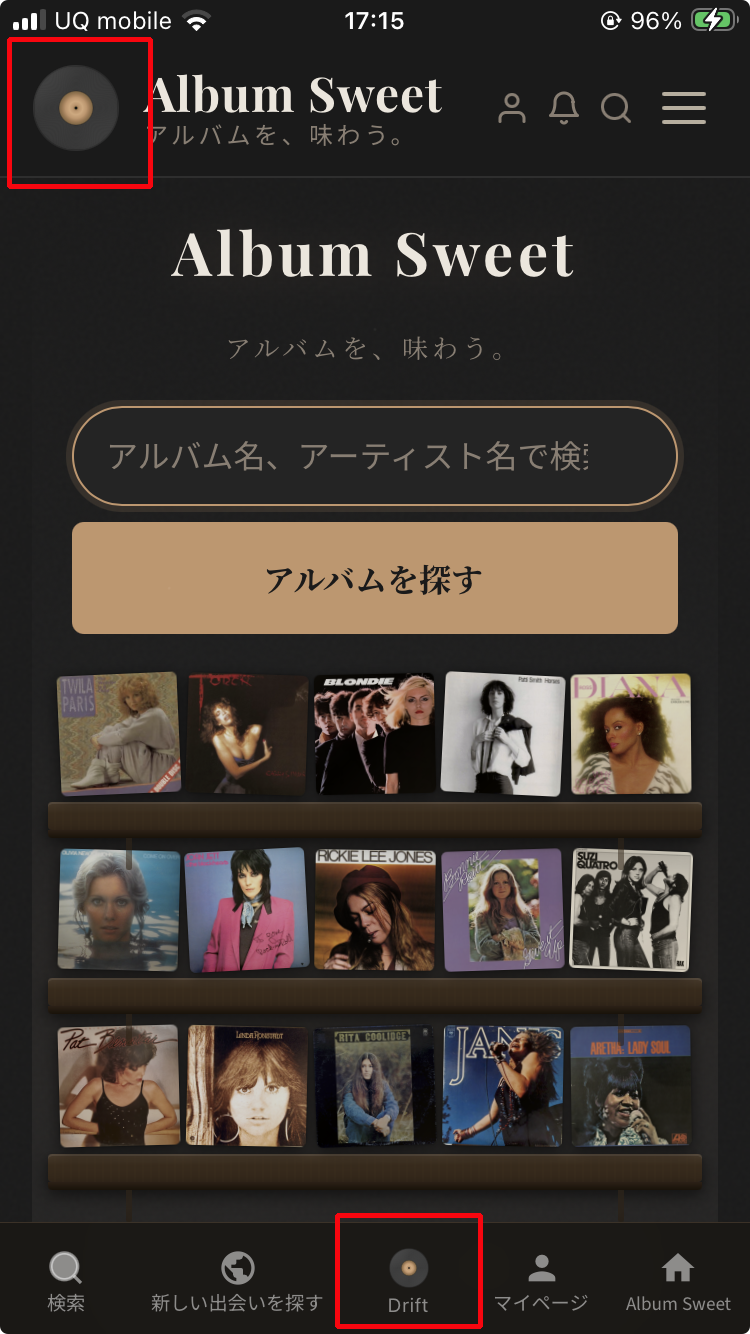
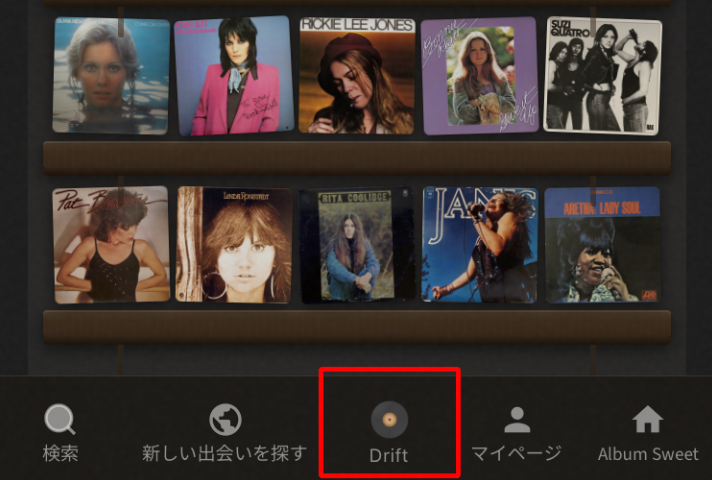
It's Album Sweet's screensaver. There are two places to launch it. Simply tap the record logo at the top left of the screen, or tap the central icon in the footer menu.

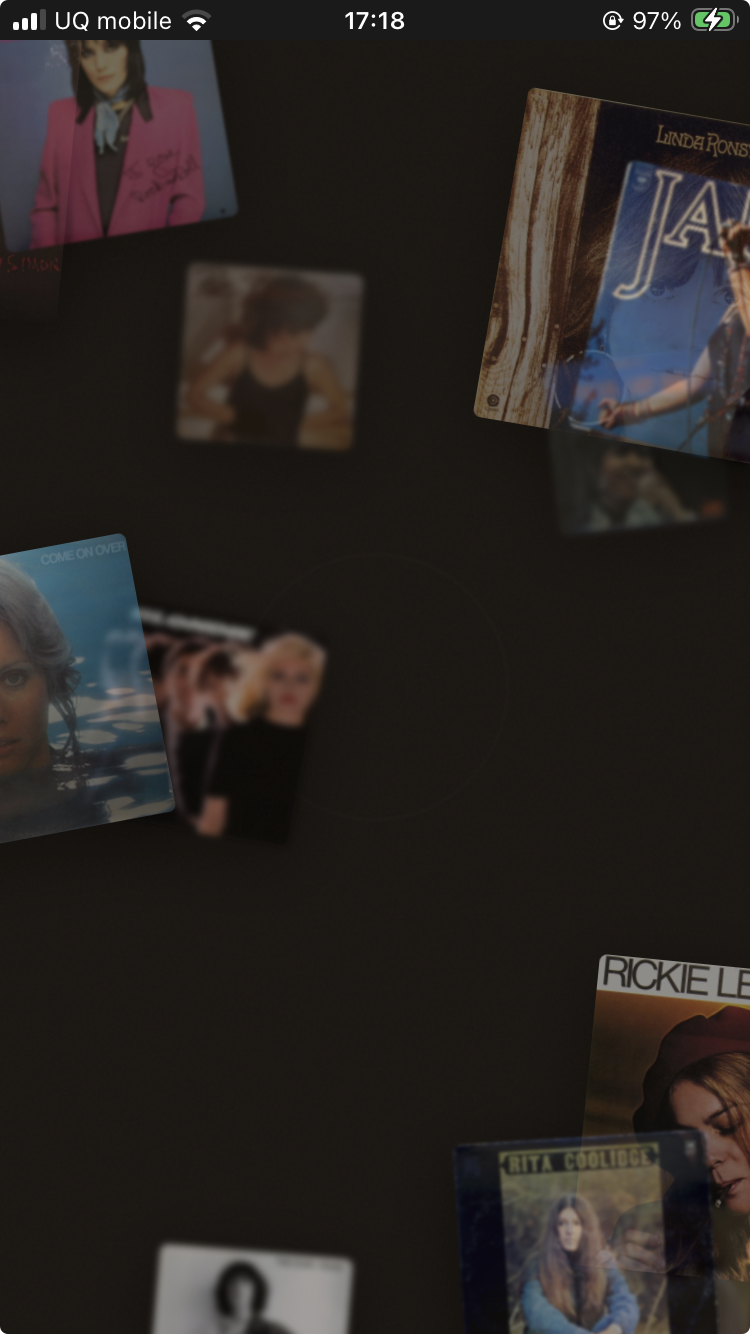
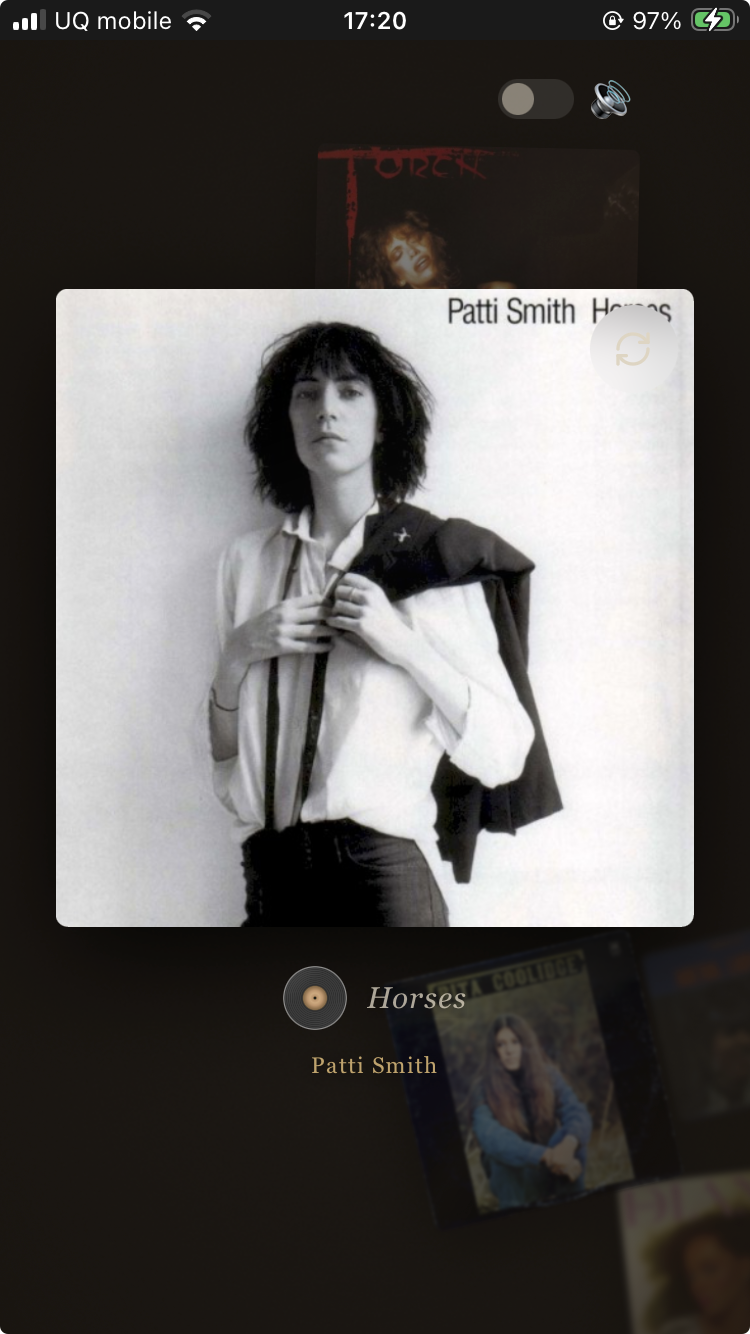
When launched, album covers slowly begin to float in a dark space.

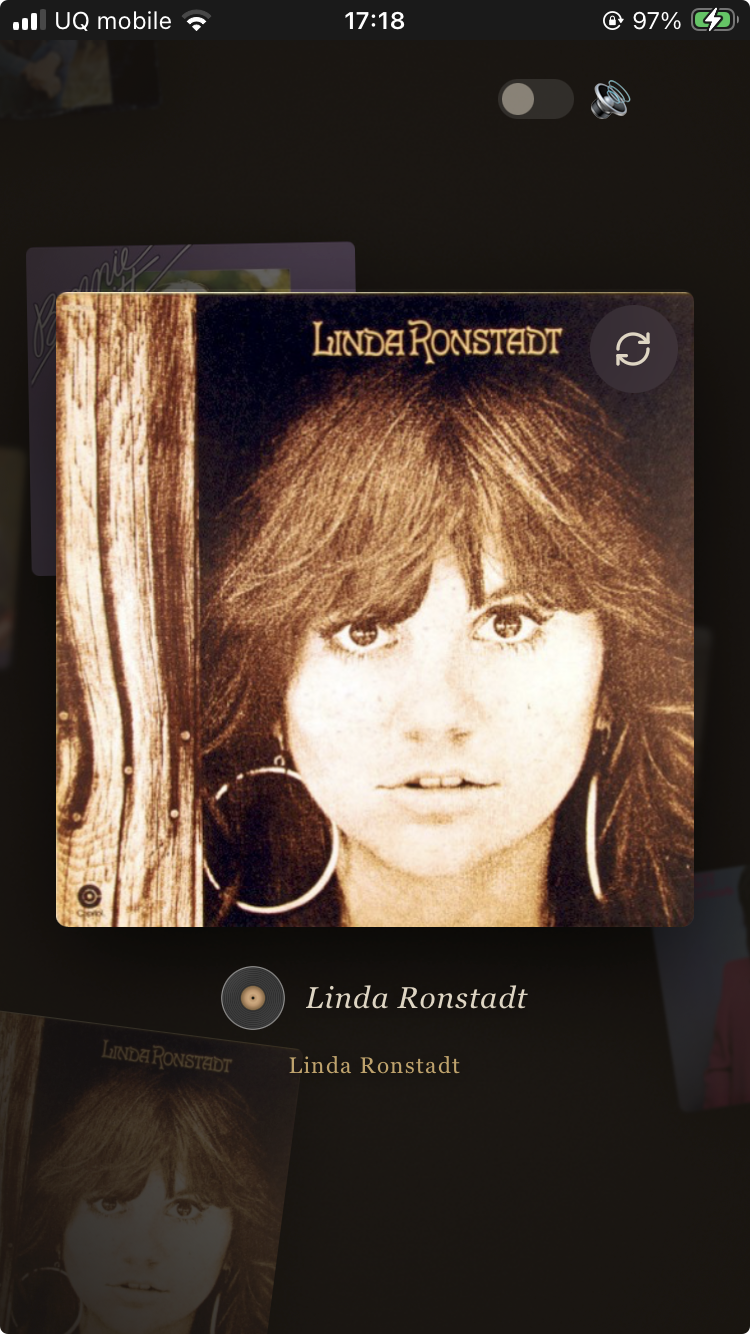
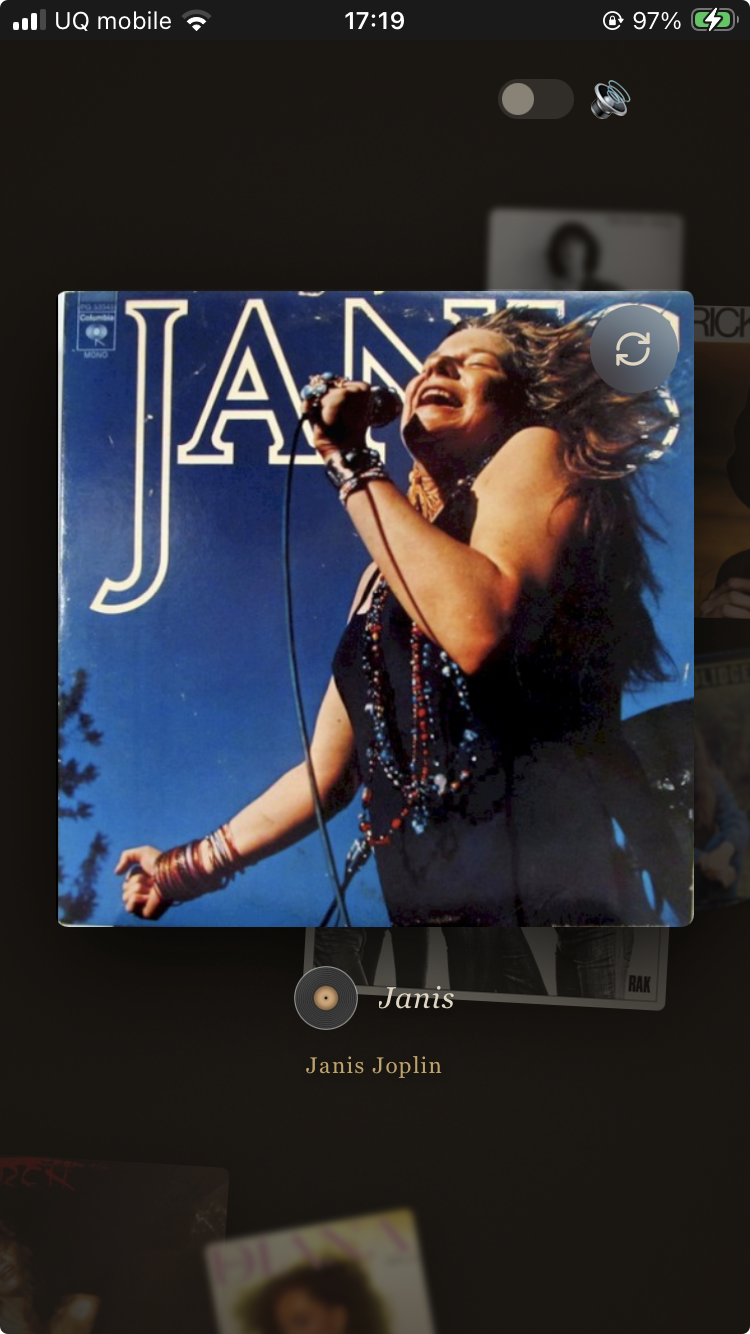
Then, one randomly appears large in front of you.


Linda Ronstadt. Janis Joplin. Patti Smith.
Playing music while simply gazing. Just that kind of time.
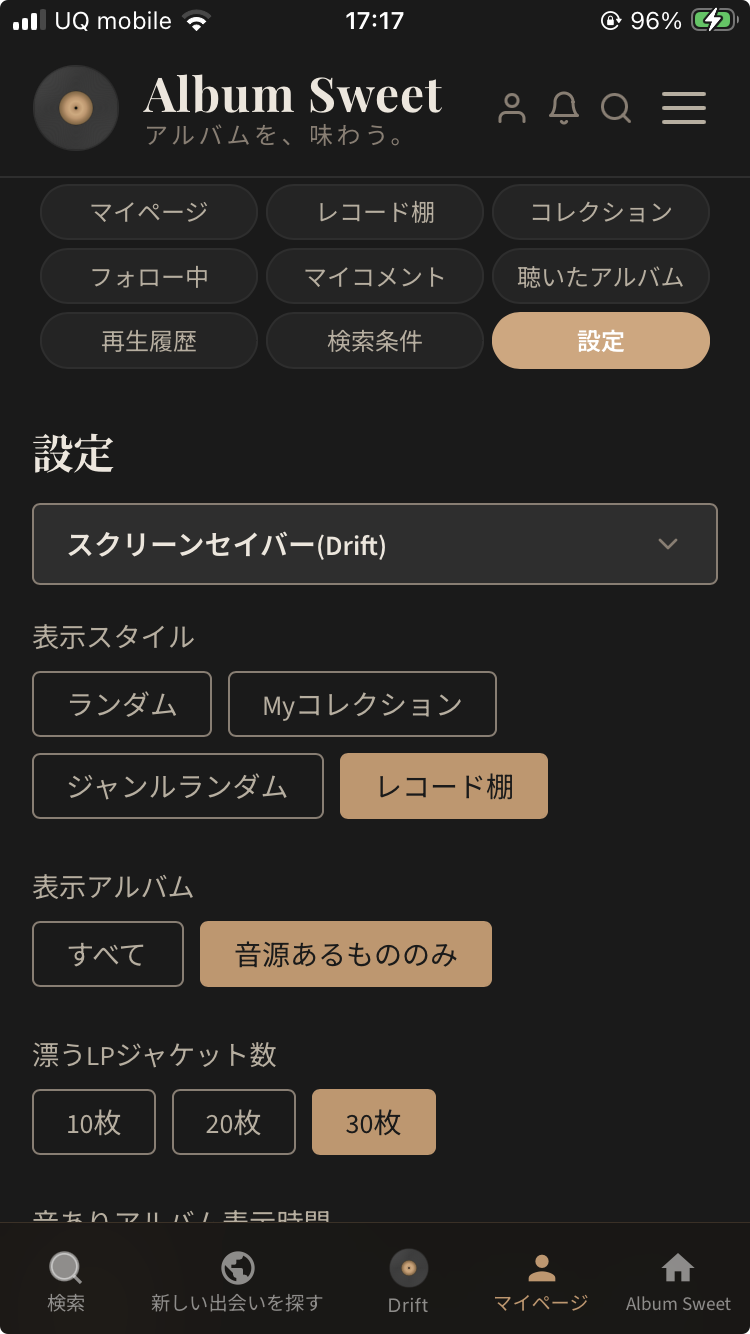
With this update, Drift now includes a "record shelf" style.
Simply change the screensaver (Drift) display style to "record shelf" from your profile settings.

Then, only the albums from shelves you've created will flow through Drift.

This is different from the previous "Random" or "My Collection" options. Only albums from specific shelves, specific moods, specific eras quietly drift before your eyes.
Your personal shelf comes alive in the palm of your hand.
Simply immersing yourself in the world of your favorite albums. That kind of time has been created in Album Sweet.